

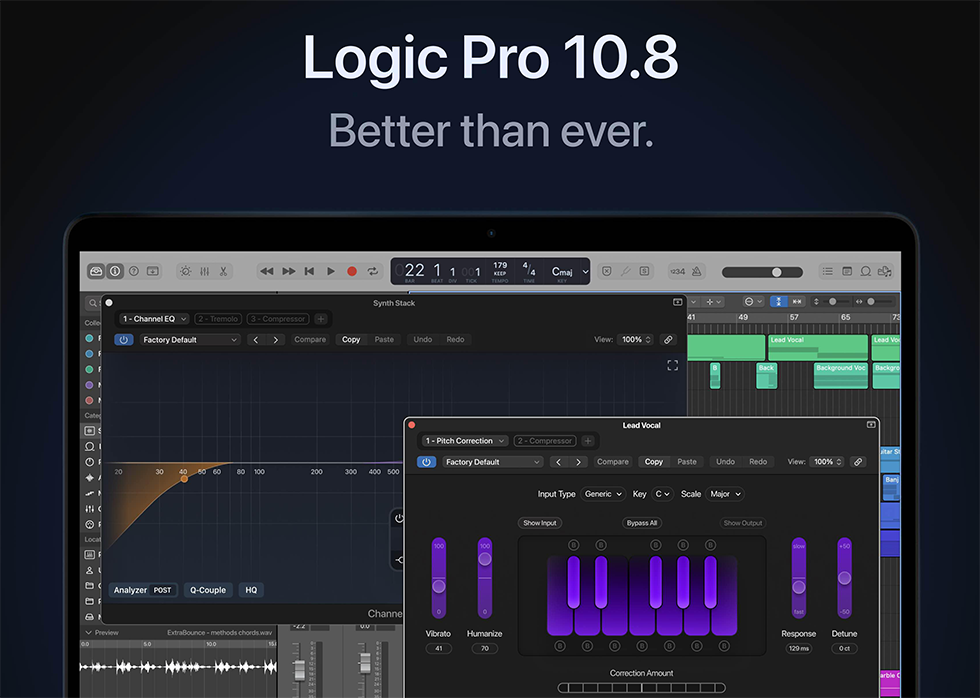
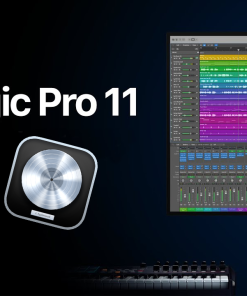
Logic Pro 10.8.1 DAW
Original price was: $249.00.$45.00Current price is: $45.00.
ℹ️ New to ReverBay? Learn how it works →
Logic Pro 10.8.1 for Mac — stability fixes for Sample Alchemy, Flex Time, Live Loops, and MIDI load issues on Monterey+ systems.
Logic Pro 10.8.1 is a maintenance-focused release in the Logic 10.x line, patching crashes and edge cases producers hit in 10.8.0 — Sample Alchemy MIDI imports, Flex Time project switching, Live Loops transient editing, and MIDI timeout errors on large sessions.
You still get the full Logic instrument library, Drummer, Alchemy, Sampler, Step Sequencer, and AU hosting. If your Mac runs Monterey or later and you want maximum stability without jumping to Logic 11 yet, 10.8.1 is the sensible stop.
✅ Key Features
- ✓ Logic Pro 10.8.1 full DAW for macOS
- ✓ Fixes Sample Alchemy multi-MIDI import crashes
- ✓ Flex Time and Live Loops stability improvements
- ✓ MIDI timeout error resolution on heavy projects
- ✓ Apple Silicon (M1/M2/M3) and Intel Mac support
- ✓ AU plugin host — Alchemy, Drummer, Sampler included
Looking for the newest feature set? Compare with Logic Pro 11.0.1. Need an older macOS match? See Logic Pro 10.7.3.
Frequently Asked Questions
What macOS version is required for Logic Pro 10.8.1?
macOS Monterey or later. Runs natively on Apple Silicon (M1/M2/M3) and Intel Macs.
What bug fixes does 10.8.1 include?
Resolves MIDI timeout errors on project load, Sample Alchemy multi-region import crashes, Flex Time switching crashes, Live Loops transient editor issues, and sample-rate import hangs.
Does Logic Pro 10.8.1 support VST plugins?
No — Audio Units (AU) only. Third-party developers typically provide AU builds for Mac.
How does this differ from Logic Pro 11?
Logic 11 adds Stem Splitter, AI Session Players, ChromaGlow, and other new tools. 10.8.1 stays on the classic 10.x workflow with broad macOS compatibility.
Is this a one-time purchase?
Yes — perpetual license tied to your Apple ID, no subscription.
How long does delivery take?
Download access and setup instructions by email, typically within a few hours. Free install support available via support ticket.
Still have a question?
Our team handles pre-sales and post-purchase questions. Reach out any time.
Related products
DAW'S
DAW'S