
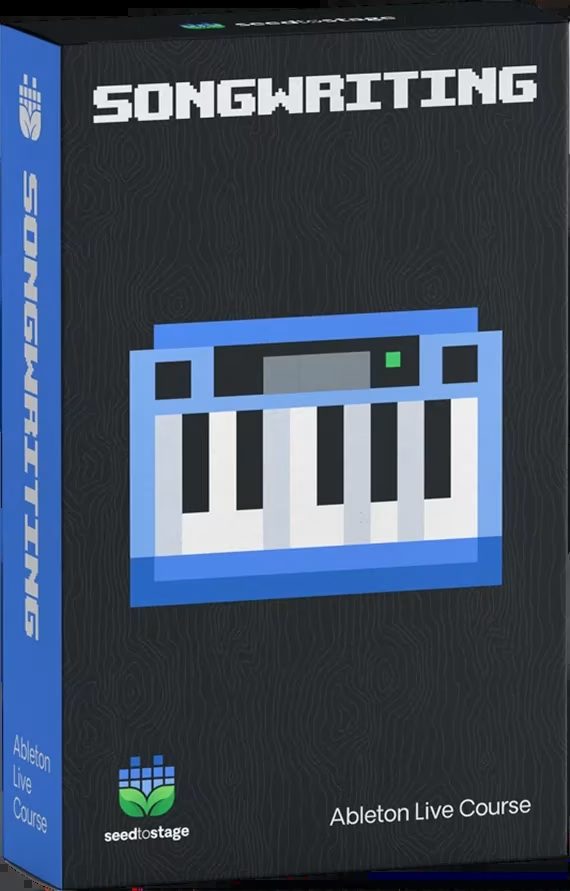
Seed To Stage Ableton – Songwriting & Composition Course

Original price was: $297.00.$99.00Current price is: $99.00.
ℹ️ New to ReverBay? Learn how it works →
Seed To Stage Ableton – Songwriting & Composition Course: 20+ hours of video, templates, and community feedback to help you write and finish songs in Ableton Live.
Every producer knows the feeling: you open Ableton Live, stare at a blank Session View, and nothing comes. Or you have a melody in your head that disappears the moment you try to get it into the DAW. The Seed To Stage Ableton – Songwriting & Composition Course was built to solve exactly that problem.
This isn’t a theory-heavy lecture series. It’s a practical, hands-on course taught by a working producer who uses Ableton Live every single day. The focus is on getting musical ideas out of your head and into the arrangement view — quickly, accurately, and with confidence. No more guessing your way through chord progressions or getting lost in a sea of MIDI clips. Just a clear, repeatable process for finishing music that connects with listeners.
What the Seed To Stage Ableton Course Covers
Rhythm & Drums
Start with Ableton’s Drum Rack, Simpler, and Piano Roll to build drums that hit hard. Go beyond the basics with the Groove Pool, audio drum arrangement, and randomisation techniques that keep your beats feeling fresh. Drums are treated as a musical instrument here, not a metronome.
Basslines, Melodies & Chord Progressions
This is where the Seed To Stage Ableton course really delivers. You’ll use the Piano Roll alongside Ableton’s MIDI tools — Scale Mode, Arpeggiator, Chord, and the newer Generate tools — to break out of creative ruts. Whether you already know music theory or you’re learning as you go, these techniques will spark new ideas.
Composition Workflows That Work
Learn five distinct composition workflows, from clip-based ideation to sound collage montage. These are the same approaches professional producers rely on to write tracks consistently and efficiently.
Song Structure & Finishing Tracks
Getting a great 8-bar loop is step one. Turning it into a complete arrangement is where most producers get stuck. This section covers structure, automation, and exporting so you can finalise your tracks and share them with the world.
✅ What’s Included
- ✓ 20+ hours of video lessons on songwriting in Ableton Live
- ✓ Organised curriculum with clear milestones and progression
- ✓ Private Discord community access for feedback and support
- ✓ Direct feedback on your compositions from the instructor
- ✓ Loads of resources: samples, Ableton templates, and presets
- ✓ Educational discounts on select production tools
- ✓ One time download
Technical Requirements
- Software: Ableton Live 10 or higher (Live 11 Suite recommended for full feature access)
- Formats: Project files (.als), video (MP4), WAV audio, MIDI files
- DAW compatibility: Ableton Live (Mac + Windows)
- Delivery: Instant download link after purchase
- License: Royalty-free for all included samples and templates
For more on music production workflows, check out Sound On Sound’s production techniques section — a solid reference for the hands-on approach this course teaches. You can also refer to the official Ableton Live Manual for details on specific device features covered in the course.
If you want to expand your sound palette after building your skills, check out our premium sample packs and VST instrument collection to find sounds that match your style.
Need Help?
Frequently Asked Questions
🎧
📦
📄
Still have a question?
Our team handles pre-sales, technical setup, and everything in between. Reach out any time.
Related products
Music Video Lessons & Tutorials
Music Video Lessons & Tutorials
Jay Cactus The Drill Production Course 2 – Complete Drill Beat Training
Music Video Lessons & Tutorials